Choosing what you get told about
Which events reach you, where, and how to avoid turning the lot off in frustration.
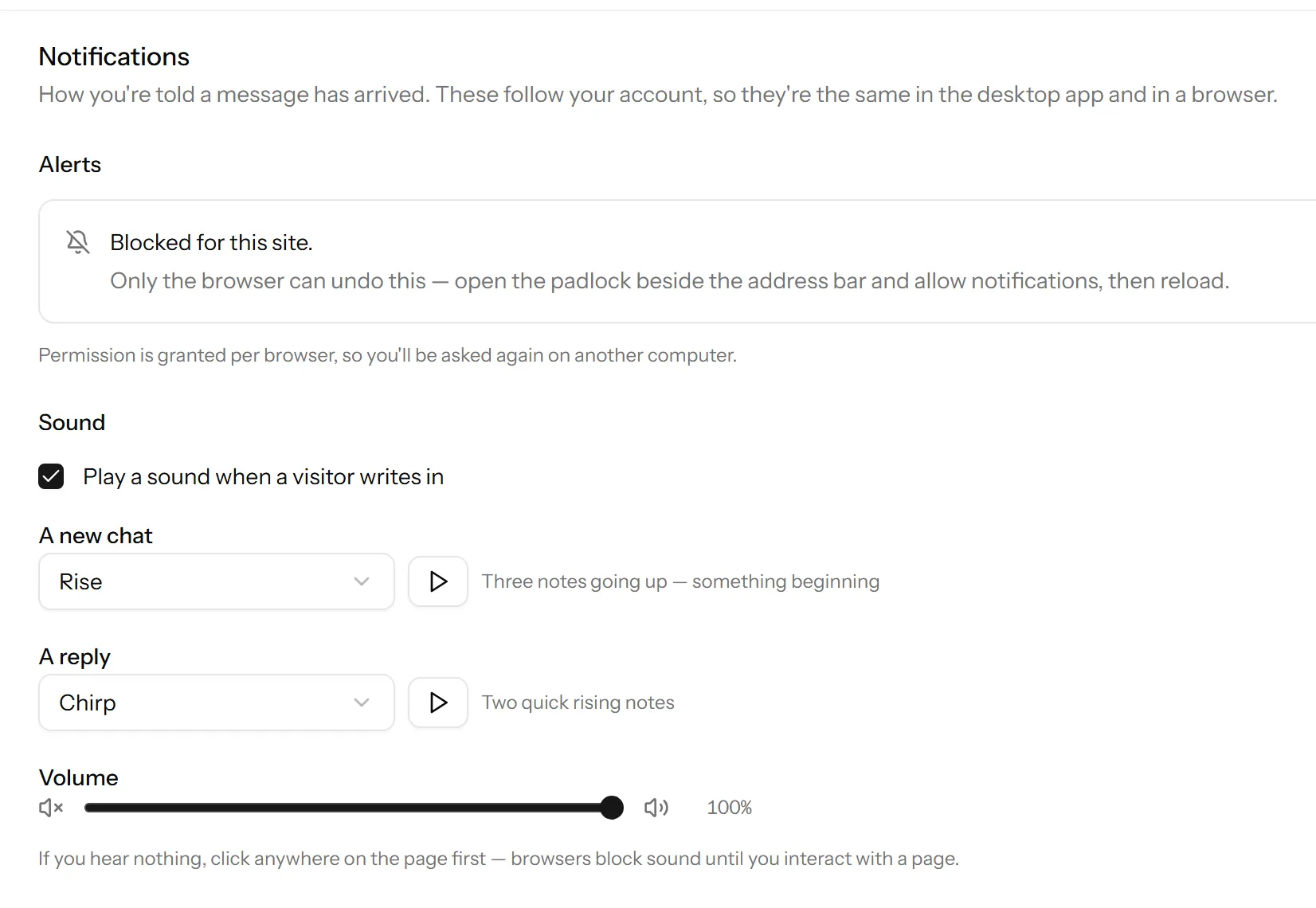
Settings → Notifications. The settings live on your account rather than the workspace, so if you are in more than one they follow you.
The events
- A new conversation, when somebody starts one.
- A reply on a chat assigned to you.
- A chat nobody has answered, after a while.
Most people want the first two loud and the third as a safety net.
The ways you can be told
- In the panel, a sound and a count, while you have it open.
- Browser notifications, which reach you when the tab is in the background. These need the browser’s permission, which is a separate question from this screen. See sound, volume and the browser’s permission.
- Email, for chats nobody picked up.
- Your phone, if you have the app.
Turning things off well
The failure mode is not too few notifications, it is too many, followed by somebody muting everything and then missing a real chat for a day.
If you are getting too much:
- Turn off new conversation and keep assigned to you, if your team is big enough that not every chat is yours.
- Keep nobody has answered. It is the one that catches the failure that actually matters.
- Change the sound rather than removing it. A quieter one you keep is worth more than a louder one you switch off.
If you share a desk
Turn the sound off and keep browser notifications on. You will still see everything and your colleagues will stop hearing your inbox.
Nothing is arriving
There are several independent switches involved, including one owned by your operating system rather than by us. Why you’re not getting notifications goes through them in order.
Last updated 22 September 2026.