Roles and what each one can do
Owner, admin and agent, and which to give somebody.
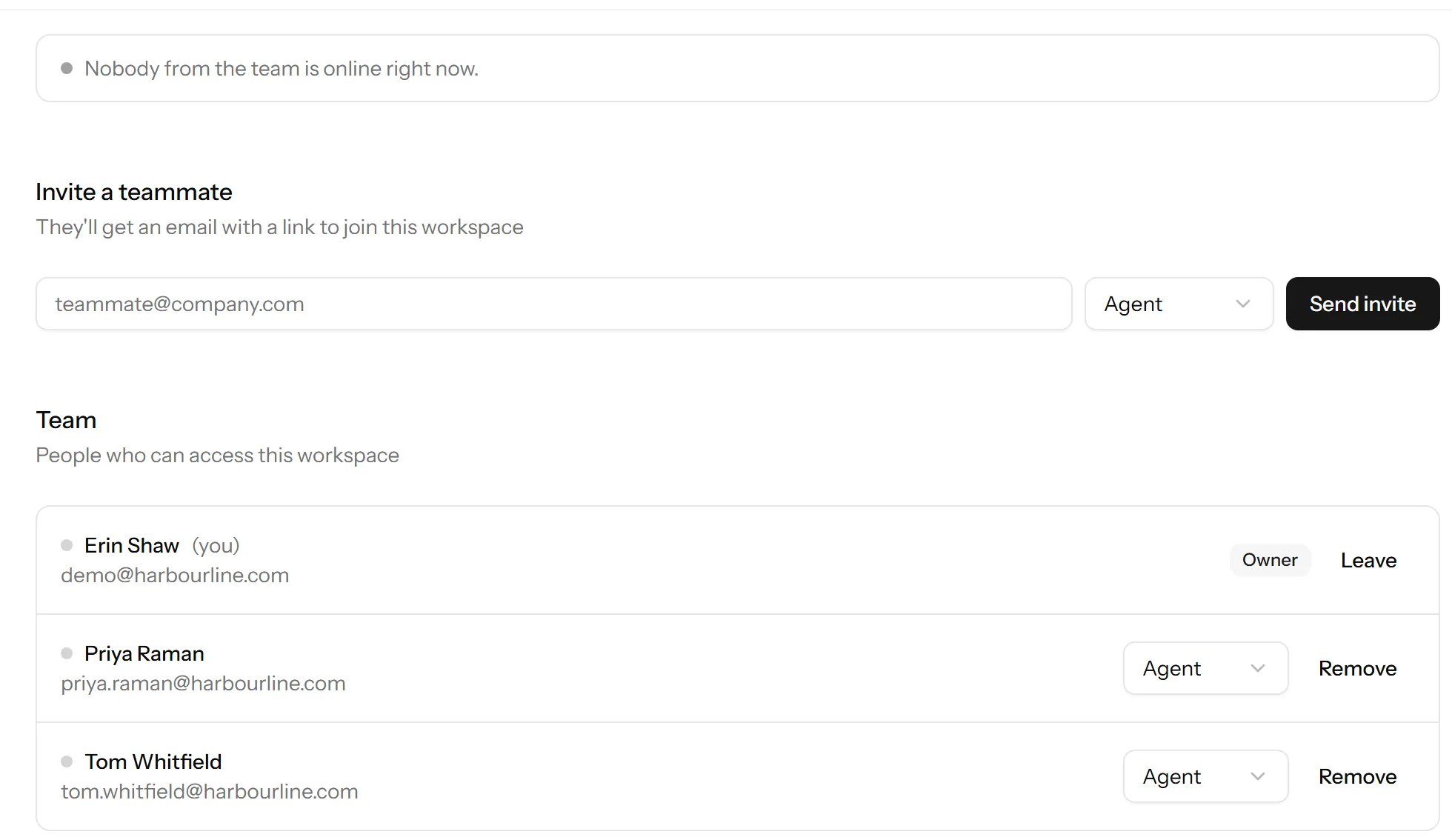
Three roles. Most people should be agents.
Agent
Answers chats. Sees the inbox, contacts and visitors, and can assign, close and reopen conversations.
Cannot reach settings, so cannot change what the widget says, add a website, or see billing. This is the right role for almost everyone, and giving it is not a statement about how much you trust somebody.
Admin
Everything an agent can do, plus settings: websites, the widget, departments, saved replies, team members, and the integrations.
Give it to whoever is actually going to set things up. One or two is usually enough.
Owner
Everything, including the things that are irreversible or cost money: billing and the plan, and deleting the workspace.
Have at least two owners. If your only owner leaves, changes email, or loses their two-factor device, getting back in becomes a support conversation instead of a click. It costs nothing to appoint a second.
Restricting deletion
A workspace can be set so that only owners can delete its data, rather than admins as well. It is under workspace settings and it is worth switching on: the people who need to change the greeting are rarely the people who should be able to erase a year of conversations.
Changing somebody’s role
Settings → Team, on their row. It takes effect immediately.
You cannot remove the last owner, for the reason above.
What roles do not do
Roles do not decide who gets chats. Everyone available is told about a new conversation regardless of role, and any agent can pick up any chat. If you want chats to reach particular people by subject, that is departments.
Last updated 22 September 2026.