Setting up departments
Routing chats by subject rather than by whoever is free.
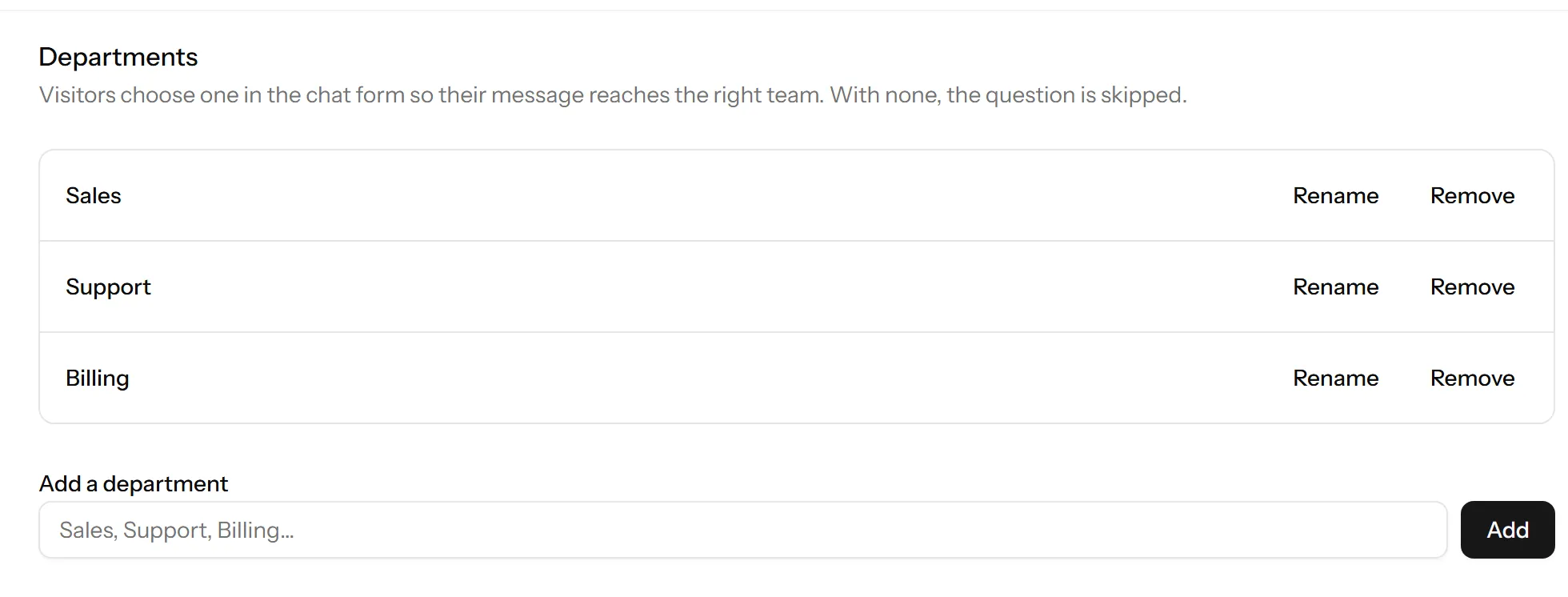
A department is a subject a chat can be about: Sales, Support, Billing. The visitor picks one before they start, and the conversation arrives tagged with it.
Departments are on the Starter plan and up.
Setting them up
Settings → Departments. Add one per subject, in the order you want them offered.
Then turn the department question on in your chat form, or visitors will never be asked and every chat will arrive untagged.
How many
Fewer than you think. Three or four.
A visitor choosing from a list of nine is being asked to do your triage, and they will guess. When they guess wrong the chat goes to the wrong queue and takes longer, which is the opposite of the point.
If you cannot describe a department in one word your customers already use, it should not be on the list.
Name them for the customer
The names are shown to visitors, so name them after what the person wants, not after your org chart.
Good: Orders, Returns, Something technical. Less good: Tier 2, Fulfilment Ops, Retention.
Departments are not assignment
Tagging a chat with a department does not give it to a person. Anybody can still pick it up, and you still assign it to somebody when it needs one person to own it.
The department answers “what is this about”. Assignment answers “who has it”. They are different questions and both are worth answering.
If you are on a plan without them
The question does not appear and every chat arrives untagged, which for a small team is usually fine: with three agents, routing is a conversation rather than a system.
Last updated 1 October 2026.