Finding an old conversation
Getting back to something from last month, and what to do when you only half remember it.
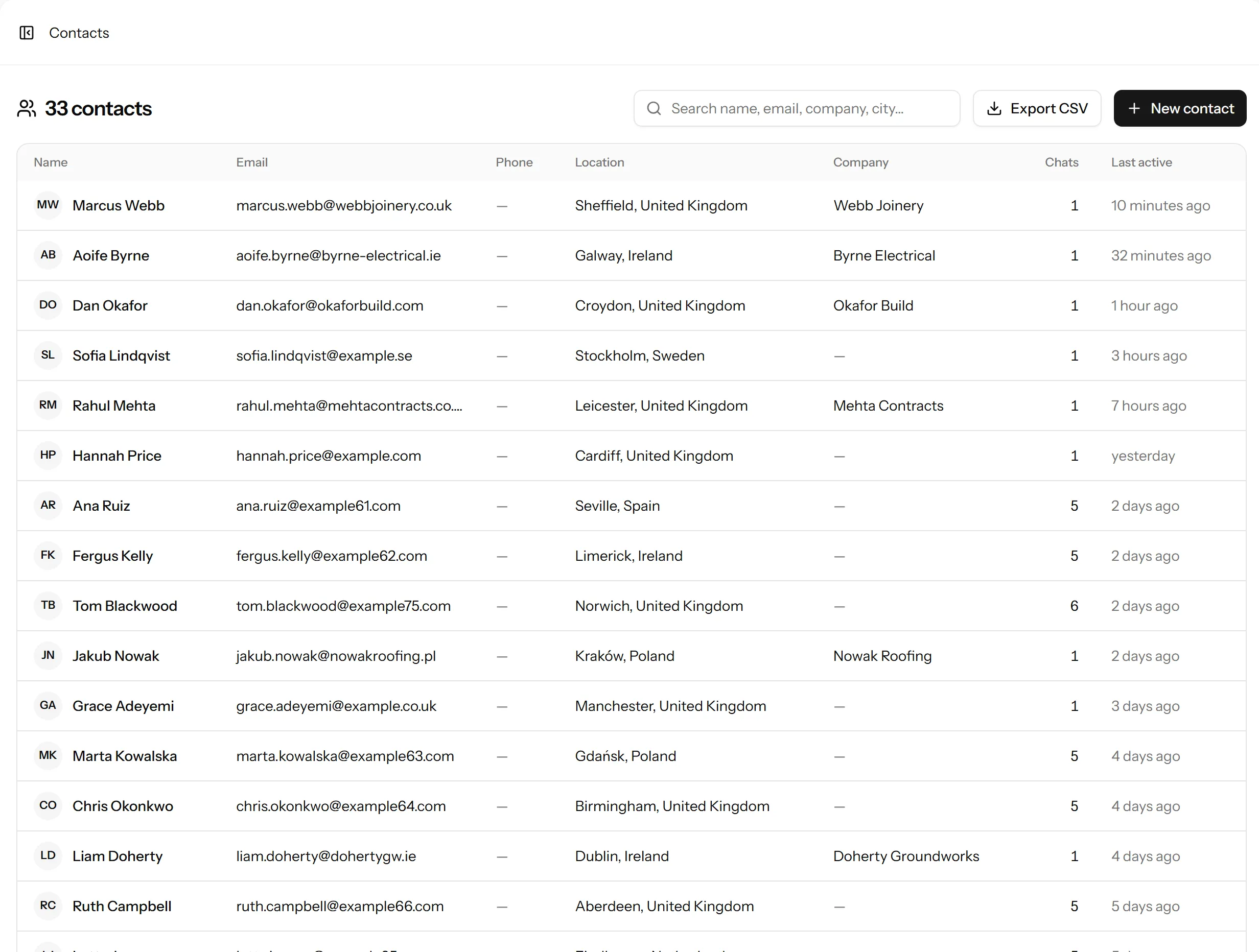
If you remember who it was
Start from Contacts rather than the inbox. Search by name, email, company or city, open the person, and their conversations are listed on their record with the most recent first.
This is almost always faster than scrolling the inbox, because you are searching a few hundred people rather than a few thousand messages.
If you only remember roughly when
The Closed filter in the inbox is ordered by most recent. If it was Tuesday, it is near the top of Tuesday.
If you only remember what it was about
Search contacts for the company, if you know it. Failing that, the dashboard’s chats start here list is a useful jog: if you remember the conversation was about returns, the people who started on the returns page are a much smaller set than everybody.
If it has been deleted
Closed conversations are deleted once they reach the age set under Settings → Data & privacy, along with any files sent in them. If your plan or your settings keep thirty days, a chat from last quarter is gone, and it is gone properly rather than hidden.
Check what your retention is set to before concluding you are searching badly. Free plans keep thirty days; Starter a year; Pro and Business keep everything until you say otherwise.
If the person asked to be erased
Then it is gone, and that is correct. Erasure removes the contact, their conversations, their messages, their files and their visit history. There is no recycle bin and we cannot restore it.
The transparency log will show that an erasure happened and who did it, though not what was erased.
Getting a copy out
Contacts export to CSV in bulk, and an individual’s full record can be downloaded from their contact. See where your data is stored for what that includes.
Last updated 22 September 2026.