Inviting your team
How to add colleagues, what a seat costs you, and which role to give them.
Chat is a bad thing to have one person responsible for. The first colleague you add roughly halves the chance a visitor waits.
Sending an invitation
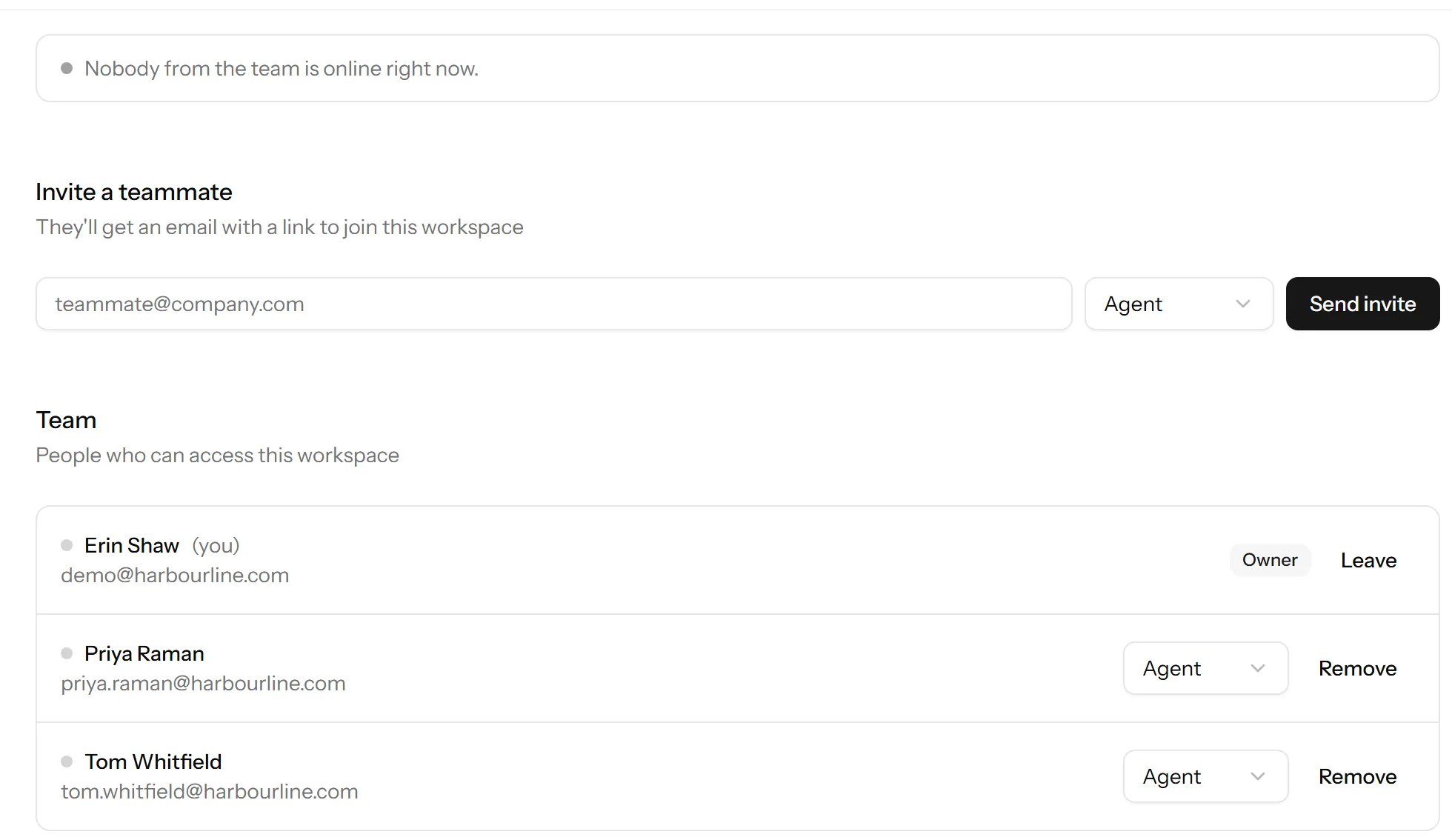
Settings → Team → Invite takes an email address and a role. They get an email with a link, and they appear in the list as invited until they accept.
An invitation is tied to the address it was sent to, so it cannot be forwarded to somebody else and used.
Choosing a role
| Role | Can do |
|---|---|
| Owner | Everything, including billing and deleting the workspace. |
| Admin | Everything except the things restricted to owners. |
| Agent | Answer chats, see contacts and visitors. Not settings. |
Most people are agents. Give admin to whoever is going to set up websites, departments and saved replies. Roles and what each one can do goes through the differences properly.
Seats
Each member takes a seat on your plan, and invitations that have not been accepted count too, so an invitation sent to the wrong address holds a seat until you cancel it.
If you are out of seats, Talkfront tells you when you try to invite rather than after. Nothing you already have stops working when a plan changes: downgrading with more members than the new plan allows keeps everyone, it just refuses the next one.
If somebody does not get the email
Check the address for a typo first, then the spam folder. You can cancel and resend from the same screen. If nothing arrives at all, I’m not receiving emails from Talkfront is the one to read, and it applies to invitations as much as to notifications.
When someone leaves
Remove them rather than sharing a login. Their conversations stay where they are and keep their history, and the seat comes back. Removing someone who has left covers what happens to work that was assigned to them.
Last updated 22 September 2026.